How to Use Regex: Practical Guide to Regular Expressions
Learn how to use regex for searching, extracting, replacing, and validating text. Covers Python re, JavaScript RegExp, grep, sed, and VS Code regex search.
- regex
- how to use regex
- python
- javascript
- grep
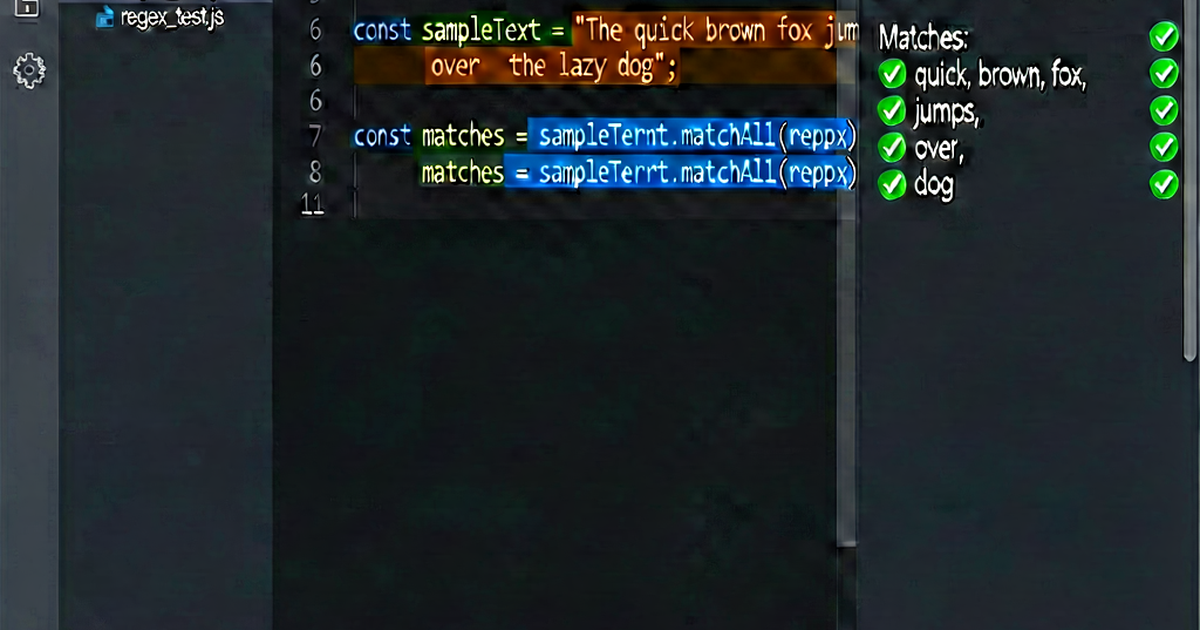

Regular expressions are used in two main contexts: text editors/command-line tools (for searching and replacing) and programming languages (for validation and extraction). This guide covers both.
In Python: the re module
import re

text = "The price is $42.99. Sale ends 2026-04-30."
Test if pattern exists:
if re.search(r'\$[\d.]+', text):
    print("Price found")
Find first match:
match = re.search(r'\$[\d.]+', text)
if match:
    print(match.group())   # "$42.99"
    print(match.start())   # 13 (start position)
    print(match.end())     # 19
    print(match.span())    # (13, 19)
Find all matches:
prices = re.findall(r'\$[\d.]+', text)
print(prices)  # ['$42.99']

# With groups, returns list of tuples
dates = re.findall(r'(\d{4})-(\d{2})-(\d{2})', text)
print(dates)  # [('2026', '04', '30')]
Replace:
result = re.sub(r'\$[\d.]+', 'PRICE', text)
# "The price is PRICE. Sale ends 2026-04-30."

# Replace with function
result = re.sub(r'\$[\d.]+', lambda m: m.group().upper(), text)

# Limit replacements
result = re.sub(r'\d', 'X', text, count=3)
Split:
words = re.split(r'\W+', "Hello, World! How are you?")
print(words)  # ['Hello', 'World', 'How', 'are', 'you', '']
Compile for reuse (performance):
pattern = re.compile(r'\$[\d.]+', re.IGNORECASE)
match = pattern.search(text)
all_matches = pattern.findall(text)
Common flags:
re.IGNORECASE   # or re.I: case-insensitive
re.MULTILINE    # or re.M: ^ and $ match line boundaries
re.DOTALL       # or re.S: . matches newlines
re.VERBOSE      # or re.X: allow comments and whitespace in pattern
In JavaScript
const text = "The price is $42.99. Sale ends 2026-04-30.";Test:
/\$[\d.]+/.test(text); // trueMatch (first):
const match = text.match(/\$[\d.]+/);
// ["$42.99", index: 13, input: ..., groups: undefined]
Match all:
const allPrices = text.match(/\$[\d.]+/g);
// ["$42.99"]

// matchAll returns iterator with full match objects
for (const match of text.matchAll(/(\d{4})-(\d{2})-(\d{2})/g)) {
  console.log(match[1], match[2], match[3]);  // "2026" "04" "30"
}
Replace:
text.replace(/\$[\d.]+/, 'PRICE');
// Replaces first only

text.replace(/\$[\d.]+/g, 'PRICE');
// Replaces all (with g flag)

text.replace(/(\d{4})-(\d{2})-(\d{2})/g, '$3/$2/$1');
// Swap date format: "2026-04-30" → "30/04/2026"
Split:
"Hello, World! How are you?".split(/\W+/);
// ["Hello", "World", "How", "are", "you", ""]
In the command line
grep:
# Basic search
grep 'error' logfile.log

# Case-insensitive
grep -i 'error' logfile.log

# Extended regex (allows + ? | etc. without escaping)
grep -E '\d{4}-\d{2}-\d{2}' logfile.log

# Show only matching part (not full line)
grep -oE '\$[\d.]+' prices.txt

# Recursive search
grep -r 'TODO' ./src/

# Invert (show non-matching lines)
grep -v 'DEBUG' logfile.log
sed (stream editor):
# Replace first occurrence per line
sed 's/old/new/' file.txt

# Replace all occurrences per line
sed 's/old/new/g' file.txt

# Case-insensitive replace
sed 's/old/new/gi' file.txt

# Delete lines matching pattern
sed '/pattern/d' file.txt

# Print only matching lines
sed -n '/pattern/p' file.txt

# In-place edit (modify file)
sed -i 's/old/new/g' file.txt
In VS Code
Search with regex in VS Code:
- Open Find:
Ctrl+F(orCmd+Fon Mac) - Click the
.*button to enable regex mode - Type your regex pattern
For Find and Replace:
- Open Replace:
Ctrl+H(orCmd+H) - Enable regex with the
.*button - Use
$1,$2for group references in the replace field
Example: convert snake_case to camelCase:
- Find:
_(\w) - Replace:
\U$1(in some editors) or handle with a script
In grep/VS Code: useful patterns for files
# Find all TODO comments
grep -rn 'TODO\|FIXME\|HACK' ./src/

# Find files with debug prints
grep -rn 'console\.log\|print(' ./src/ --include="*.js" --include="*.py"

# Find lines with long string literals
grep -En '"[^"]{100,}"' ./src/*.py

# Find all email addresses in a file
grep -Eo '[a-zA-Z0-9._%+-]+@[a-zA-Z0-9.-]+\.[a-zA-Z]{2,}' contacts.txt
Build and test regex patterns at regexbuilder.io.

Related reading
-
Regex Tutorial: Learn Regular Expressions from Scratch
A beginner's regex tutorial covering literals, character classes, quantifiers, anchors, groups, and flags with examples in Python, JavaScript, and the command line.
-
Regex Lookahead and Lookbehind: Zero-Width Assertions Explained
Learn regex lookahead and lookbehind assertions: positive/negative variants, how they match without consuming characters, and practical examples in Python and JavaScript.
-
Regex Email Validation: Patterns, Limitations, and Best Practices
Learn email validation regex patterns in Python, JavaScript, PHP, and SQL. Understand why regex can't fully validate emails and what to use instead.