Regex Email Validation: Patterns, Limitations, and Best Practices
Learn email validation regex patterns in Python, JavaScript, PHP, and SQL. Understand why regex can't fully validate emails and what to use instead.
- regex
- email validation
- python
- javascript
- form validation
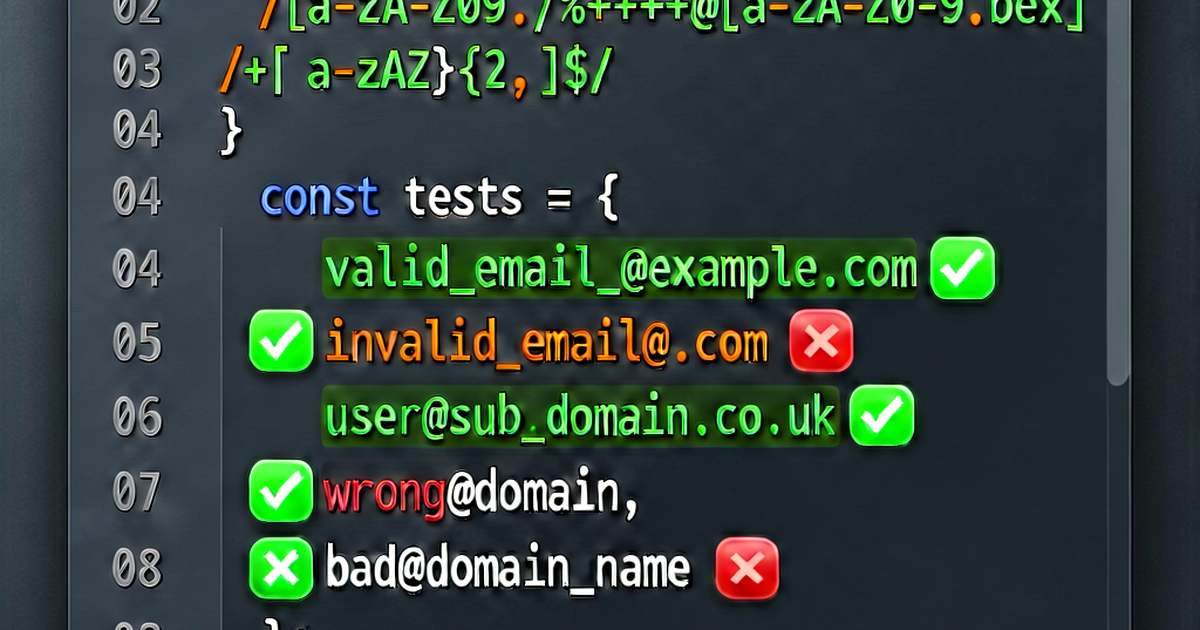

Email validation with regex is one of the most common regex tasks — and one of the most often done wrong. This guide covers practical patterns and the important caveats.
The short version
Use a simple regex to catch obvious non-emails, then verify with a real email send (or use a validation API). No regex fully implements RFC 5322, and you don’t need it to.
Simple validation patterns
Most practical pattern (covers 99.9% of real email addresses):
^[a-zA-Z0-9._%+-]+@[a-zA-Z0-9.-]+\.[a-zA-Z]{2,}$Breaking it down:
^— start of string[a-zA-Z0-9._%+-]+— local part: one or more allowed characters@— literal @[a-zA-Z0-9.-]+— domain: one or more allowed characters\.— literal dot[a-zA-Z]{2,}— TLD: two or more letters$— end of string
Implementation in Python:
import re

def is_valid_email(email: str) -> bool:
    pattern = r'^[a-zA-Z0-9._%+-]+@[a-zA-Z0-9.-]+\.[a-zA-Z]{2,}$'
    return bool(re.match(pattern, email))

print(is_valid_email("user@example.com"))      # True
print(is_valid_email("user+tag@sub.example.com")) # True
print(is_valid_email("invalid@"))              # False
print(is_valid_email("@nodomain.com"))         # False
print(is_valid_email("plain"))                 # False
Implementation in JavaScript:
function isValidEmail(email) {
  const pattern = /^[a-zA-Z0-9._%+-]+@[a-zA-Z0-9.-]+\.[a-zA-Z]{2,}$/;
  return pattern.test(email);
}

console.log(isValidEmail("user@example.com"));       // true
console.log(isValidEmail("user+tag@sub.domain.io")); // true
console.log(isValidEmail("notanemail"));             // false
HTML5 input validation (browser built-in):
<input type="email" name="email" required />The browser validates the format before submission. No JavaScript required for basic validation.
More permissive patterns
The simple pattern above rejects some technically valid email addresses. A more permissive pattern:
^[^\s@]+@[^\s@]+\.[^\s@]+$This allows anything except spaces and @ in each part, which is closer to the actual RFC but also allows some invalid formats.
HTML5 pattern attribute
For form validation with a custom pattern:
<input
  type="email"
  name="email"
  pattern="[a-zA-Z0-9._%+\-]+@[a-zA-Z0-9.\-]+\.[a-zA-Z]{2,}"
  title="Enter a valid email address"
  required
/>
What regex can’t catch
Regex can verify format but not existence. These all pass the pattern above but are invalid for sending:
user@example.com— valid format, but does this mailbox exist?test@thisdoesnotexist.com— valid format, domain may not exista@b.c— valid format, but.cTLD doesn’t existuser@localhost— valid for local use but no regex for public email
What regex catches:
- Missing @ symbol
- Multiple @ symbols
- Missing domain
- Missing TLD
- Spaces in the address
What regex doesn’t catch:
- Nonexistent domain
- Nonexistent mailbox
- Disposable email addresses
- Typos (
gnail.com,yaoo.com) - Recently invalid formats that look valid
Best practices for email validation
Layer 1: Format check (regex) — catches obvious nonsense
def basic_format_check(email: str) -> bool:
    return bool(re.match(
        r'^[a-zA-Z0-9._%+-]+@[a-zA-Z0-9.-]+\.[a-zA-Z]{2,}$',
        email
    ))
Layer 2: Domain MX record check — verifies the domain can receive email
import dns.resolver

def mx_record_exists(domain: str) -> bool:
    try:
        dns.resolver.resolve(domain, 'MX')
        return True
    except (dns.resolver.NXDOMAIN, dns.resolver.NoAnswer, dns.exception.Timeout):
        return False

def validate_email_domain(email: str) -> bool:
    if not basic_format_check(email):
        return False
    domain = email.split('@')[1]
    return mx_record_exists(domain)
Layer 3: Confirmation email — the only way to confirm the address is real and accessible to the user
Send a confirmation email with a unique link. If they click it, the email is valid. This is the only true validation.
Server-side validation
Never rely solely on client-side regex. Always validate on the server:
# Django
from django.core.validators import validate_email
from django.core.exceptions import ValidationError

def validate(email):
    try:
        validate_email(email)
        return True
    except ValidationError:
        return False
// Node.js: validator.js
const validator = require('validator');
validator.isEmail('user@example.com'); // trueTest your email regex patterns at regexbuilder.io.

Related reading
-
Regex Tutorial: Learn Regular Expressions from Scratch
A beginner's regex tutorial covering literals, character classes, quantifiers, anchors, groups, and flags with examples in Python, JavaScript, and the command line.
-
How to Use Regex: Practical Guide to Regular Expressions
Learn how to use regex for searching, extracting, replacing, and validating text. Covers Python re, JavaScript RegExp, grep, sed, and VS Code regex search.
-
Regex Lookahead and Lookbehind: Zero-Width Assertions Explained
Learn regex lookahead and lookbehind assertions: positive/negative variants, how they match without consuming characters, and practical examples in Python and JavaScript.