Regex Groups and Capturing: How to Extract Data with Parentheses
Learn how regex capturing groups work: numbered groups, named groups, non-capturing groups, backreferences, and how to extract data in Python and JavaScript.
- regex
- capturing groups
- named groups
- backreference
- python
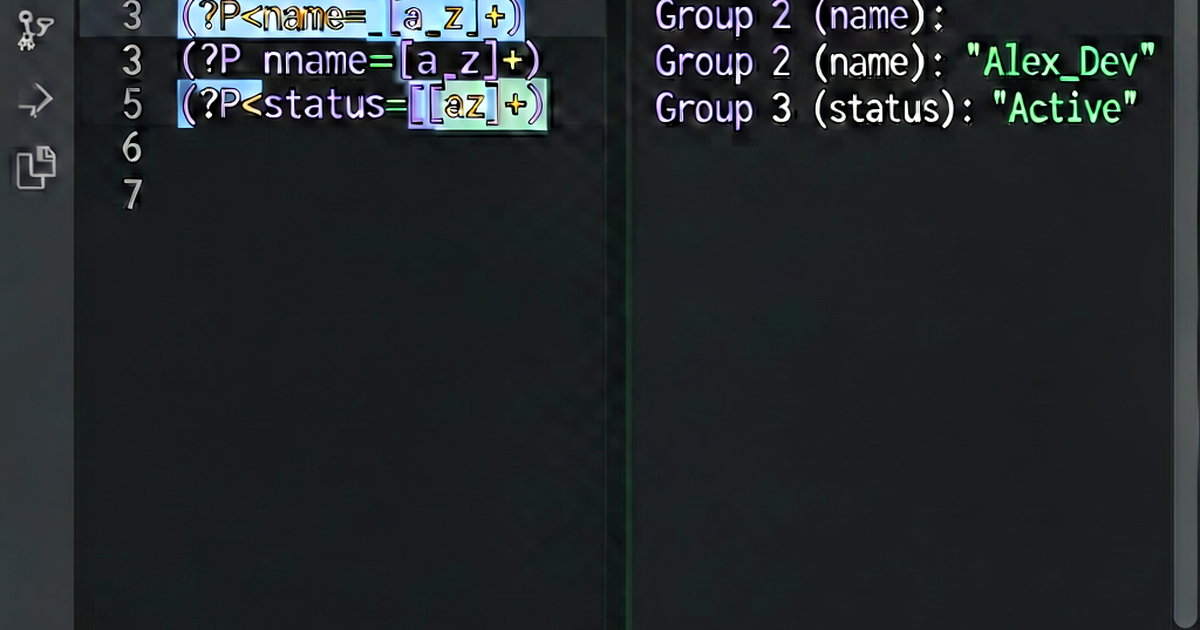

Parentheses in regex do two things: group part of a pattern (so quantifiers apply to the whole group) and capture the matched text for later use. This guide covers both uses with practical examples.
Basic capturing groups
Wrap any part of a pattern in (...) to capture what it matches:
Pattern: (\d{4})-(\d{2})-(\d{2})
Input:   "2026-04-25"
Match:   "2026-04-25"
Group 1: "2026"
Group 2: "04"
Group 3: "25"
Python:
import re

text = "Date: 2026-04-25"
match = re.search(r'(\d{4})-(\d{2})-(\d{2})', text)
if match:
    print(match.group(0))  # "2026-04-25" (full match)
    print(match.group(1))  # "2026"
    print(match.group(2))  # "04"
    print(match.group(3))  # "25"

year, month, day = match.groups()
JavaScript:
const text = "Date: 2026-04-25";
const match = text.match(/(\d{4})-(\d{2})-(\d{2})/);
if (match) {
  console.log(match[0]);  // "2026-04-25" (full match)
  console.log(match[1]);  // "2026"
  console.log(match[2]);  // "04"
  console.log(match[3]);  // "25"
}
Named capturing groups
Named groups make patterns self-documenting:
(?P<year>\d{4})-(?P<month>\d{2})-(?P<day>\d{2})   ← Python syntax
(?<year>\d{4})-(?<month>\d{2})-(?<day>\d{2})       ← JavaScript/PCRE syntax
Python:
import re

text = "Date: 2026-04-25"
match = re.search(r'(?P<year>\d{4})-(?P<month>\d{2})-(?P<day>\d{2})', text)
if match:
    print(match.group('year'))   # "2026"
    print(match.group('month'))  # "04"
    print(match.group('day'))    # "25"
    print(match.groupdict())     # {'year': '2026', 'month': '04', 'day': '25'}
JavaScript (ES2018+):
const text = "Date: 2026-04-25";
const match = text.match(/(?<year>\d{4})-(?<month>\d{2})-(?<day>\d{2})/);
if (match) {
  const { year, month, day } = match.groups;
  console.log(year, month, day);  // "2026" "04" "25"
}
Non-capturing groups (?:...)
Use (?:...) when you need to group for quantifiers or alternation but don’t need to capture:
# Capture vs non-capture
import re

text = "hahaha"

# Capturing: group 1 is "ha"
re.search(r'(ha)+', text).group(1)   # "ha"

# Non-capturing: no group
re.search(r'(?:ha)+', text).group(0)  # "hahaha"
// Without capture
const match1 = "192.168.1.1".match(/(\d+\.){3}\d+/);
console.log(match1[1]); // "1." (last captured repetition)
// With non-capture
const match2 = "192.168.1.1".match(/(?:\d+\.){3}\d+/);
// No extra groupsCommon use: alternation without capture:
(?:https?|ftp)://   → matches "http://", "https://", or "ftp://" without capturing
vs
(https?|ftp)://     → matches the same but captures "http", "https", or "ftp"
Backreferences
Reference a previously captured group within the same pattern:
import re

# Find repeated words
pattern = r'\b(\w+)\s+\1\b'
text = "the the quick brown fox fox"

matches = re.findall(pattern, text)
print(matches)  # ['the', 'fox']

# With finditer to get positions
for m in re.finditer(pattern, text):
    print(f"Repeated: '{m.group(1)}' at {m.start()}-{m.end()}")
In substitution:
# Swap first and last name
text = "Doe, John"
result = re.sub(r'(\w+),\s*(\w+)', r'\2 \1', text)
print(result)  # "John Doe"
// JavaScript substitution with groups
const name = "Doe, John";
const result = name.replace(/(\w+),\s*(\w+)/, '$2 $1');
console.log(result); // "John Doe"
// Named groups in substitution
const result2 = name.replace(/(?<last>\w+),\s*(?<first>\w+)/, '$<first> $<last>');
console.log(result2); // "John Doe"Extracting structured data
import re

# Parse log line
log = '2026-04-25 14:32:01 ERROR [auth] Login failed for user@example.com'

pattern = r'''
    (?P<date>\d{4}-\d{2}-\d{2})\s+
    (?P<time>\d{2}:\d{2}:\d{2})\s+
    (?P<level>INFO|WARN|ERROR|DEBUG)\s+
    \[(?P<module>\w+)\]\s+
    (?P<message>.+)
'''

match = re.match(pattern, log, re.VERBOSE)
if match:
    data = match.groupdict()
    print(data)
    # {
    #   'date': '2026-04-25',
    #   'time': '14:32:01',
    #   'level': 'ERROR',
    #   'module': 'auth',
    #   'message': 'Login failed for user@example.com'
    # }
# Extract all URLs from HTML
html = '<a href="https://example.com">link</a> <a href="https://google.com">G</a>'
urls = re.findall(r'href="([^"]+)"', html)
print(urls) # ['https://example.com', 'https://google.com']Group numbering
Groups are numbered left-to-right by their opening parenthesis:
Pattern: ((a)(b(c)))
Group 1: ((a)(b(c)))  → matches "abc"
Group 2: (a)          → matches "a"
Group 3: (b(c))       → matches "bc"
Group 4: (c)          → matches "c"
Named groups are also numbered (you can reference them by name or number).
Test capturing groups at regexbuilder.io.

Related reading
-
Regex Tutorial: Learn Regular Expressions from Scratch
A beginner's regex tutorial covering literals, character classes, quantifiers, anchors, groups, and flags with examples in Python, JavaScript, and the command line.
-
How to Use Regex: Practical Guide to Regular Expressions
Learn how to use regex for searching, extracting, replacing, and validating text. Covers Python re, JavaScript RegExp, grep, sed, and VS Code regex search.
-
Regex Lookahead and Lookbehind: Zero-Width Assertions Explained
Learn regex lookahead and lookbehind assertions: positive/negative variants, how they match without consuming characters, and practical examples in Python and JavaScript.